Registering on Binance, step by step
Open the Binance sign-up page from the official link on this page or by typing the address yourself. Enter an email address or phone number you control, check that referral code BI27XB92 is shown or entered where the page offers it, accept the terms and press Register. Type the verification code Binance sends you, set a password, then open identity verification and add two-factor protection before connecting any tool. Each step has its own section below.
Before you start, make sure you actually need an account: a public price display does not, and an existing account with an API error needs diagnosis rather than a second registration. If a portfolio tool is the reason, confirm which exchange entity, account type and connection method it supports. Account creation, identity checks, API eligibility and referral benefits are separate states; success at one does not prove the others.
Start on the official page
Use the official link below or enter the official website address yourself. Read the actual hostname in the address bar. For personal use, stay on the individual sign-up form; registering a company asks for different information. Review the current terms and eligibility for your real residence before continuing.
A language selector does not establish regional eligibility. Service restrictions and promotional restrictions can also differ. If the website says your location is unsupported, seek clarification through official support rather than entering false details or using another person’s identity.
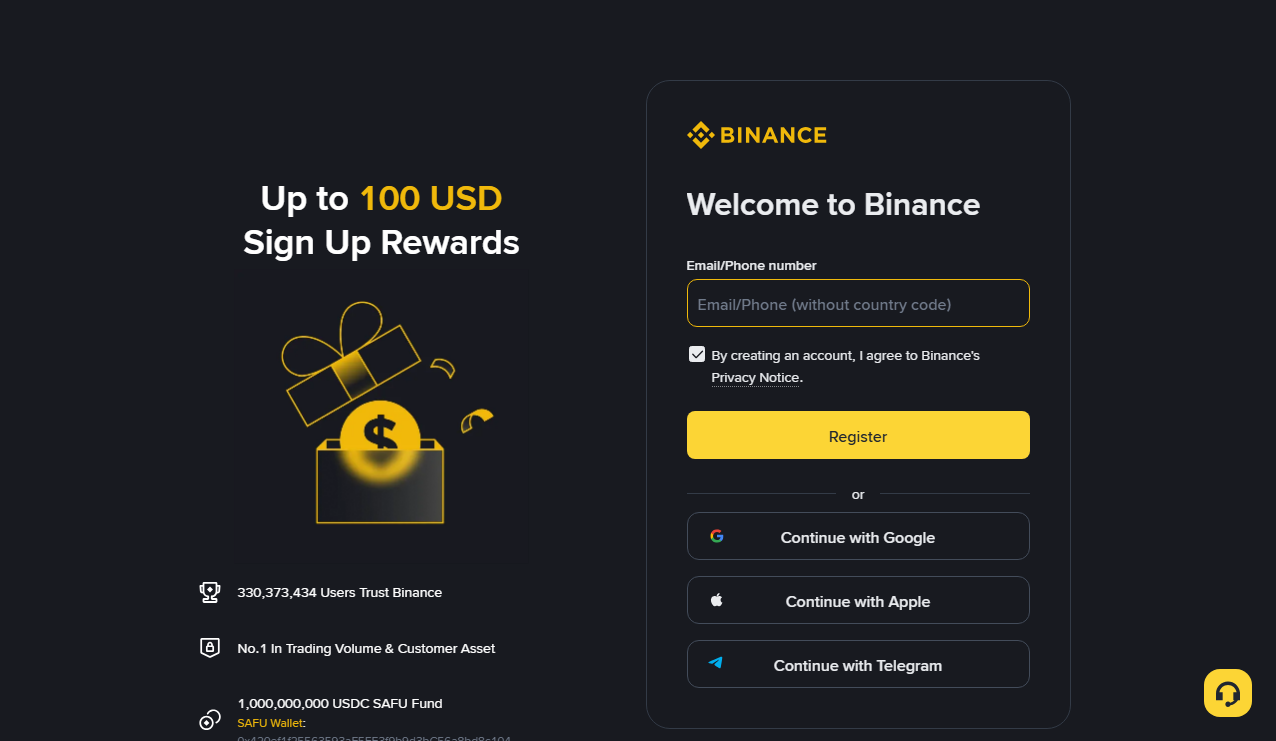
Check the invitation before submitting
The LINKDESK referral code is BI27XB92. On the official registration page, inspect the displayed code, invitation relationship or benefit information. If manual entry is offered, remove accidental surrounding spaces. If no referral field appears, do not place the code in an unrelated field.
Pause before the final confirmation if the expected relationship is unclear. Whether the referral is linked to your account can only be confirmed inside your Binance account. Ask official account support about a missing relationship after registration; do not pay a stranger who promises to rebind the account, and never send them a login verification code.
Compare the actual benefit, not a headline percentage
A fee rebate, a fee discount and a task-based voucher can have different conditions. Check the eligible product, beneficiary, settlement method, expiry and exclusions separately. Do not add unrelated incentives into a single universal percentage.
We have not seen the rebate rate for BI27XB92 stated on an official Binance page. There is no default 20% promise here. If the official page does not show a clear benefit, treat that uncertainty as part of your decision. A speculative incentive is not a reason to deposit or trade.
Enter the email code, then verify your identity
Use an email address or supported sign-in method that you personally control. If an email code is missing, check the entered address, spam folder and on-screen resend timer. Do not mix codes from different attempts or paste them into a support chat.
Identity verification is a separate process. Supply the currently accepted documents requested for your residence and ensure your details agree with them. Upload the document photos and complete the face check that the verification page asks for. A rejected submission needs a review of the stated reason, not repeated uploads of the same unsuitable material. This guide does not promise a fixed approval time.
Protect the account before adding a tool
Use a distinct password and the additional verification options available in account security. Understand the official recovery path before depending on one device. Do not disable account protection to make a third-party integration easier.
Only create a private API connection after checking the tool’s requirements. Confirm key type, account prerequisites, permissions and IP restrictions in current documentation. Keep a non-secret record of the connection’s purpose and where you can revoke it. For public prices, avoid granting private access at all.
Recognize which step has failed
Email verified but identity review pending: inspect the review status. Identity approved but an API option missing: inspect the account’s API eligibility notice. A tool connects but shows incomplete records: check coverage and refresh status before changing permissions.
None of those states by itself proves a referral-code problem. For an undisplayed benefit, keep the public promotion title and terms and ask official support. Someone asking for payment to unlock verification or a code is not part of this guide’s registration process. LINKDESK cannot unlock accounts, approve identity checks or issue exchange rewards.
Questions before you continue
Does the code guarantee a rebate?
No. Check the invitation relationship and applicable conditions on the official site. We have not seen a specific rate for this code on an official Binance page; whether any benefit applies can only be confirmed on Binance’s own pages and in your account.
Can I add it to an existing account?
Do not assume that you can. Use the current official account process to check eligibility. LINKDESK does not provide a rebinding service.
Must I create an API key immediately?
No. Establish the need and protect the account first. Public price information usually does not require a private key.