Check Ed25519 support for new connections. Binance labels HMAC deprecated; that is a migration signal, not proof that every existing connection has already stopped.
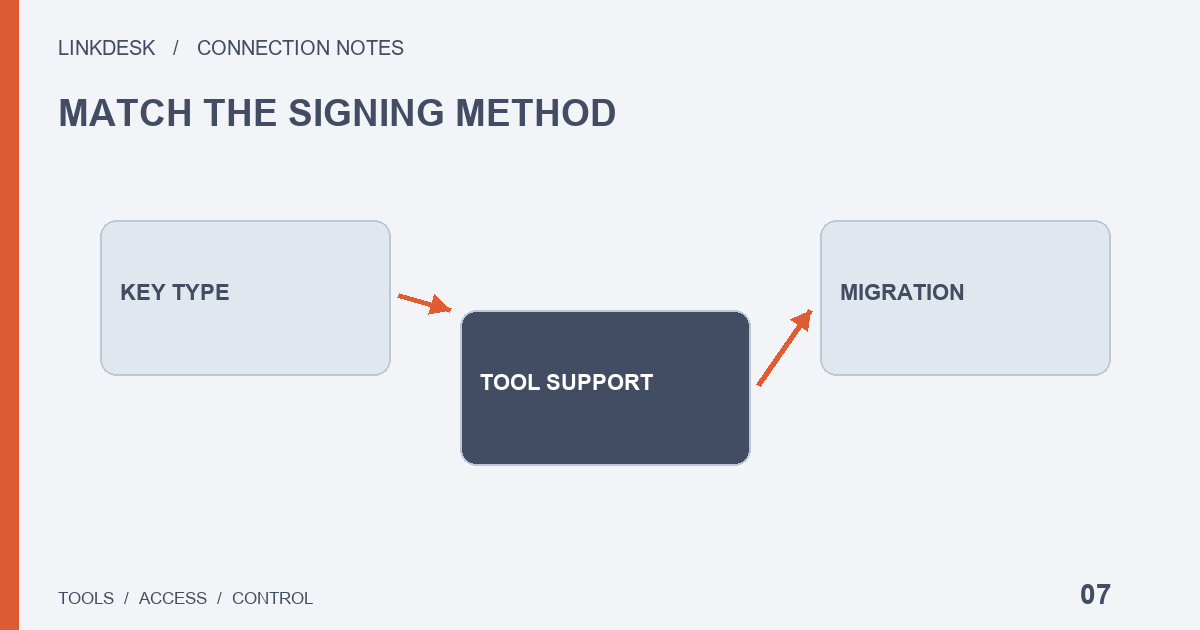
Begin with the tool version
Open the provider’s current connection guide before generating credentials. Look for a named algorithm, supported import format and the component that signs requests. A form with only an identifier box and a shared-value box does not tell you whether asymmetric keys are supported. Ask the provider rather than pasting a private key into an unexplained field. Exchange support and third-party implementation are two separate compatibility requirements.
Keep direction and readiness separate
The official key-types reference recommends Ed25519 and labels HMAC deprecated. Record that direction alongside your tool’s actual support status. An existing HMAC connection needs a migration route, a compatible release and an operational plan. An old video is not evidence of permanent support. Conversely, do not invent a universal shutdown date where the relevant official documentation does not provide one.
Know what you are protecting
HMAC relies on a shared secret. RSA and Ed25519 use a public/private pair: the public part is registered with the platform, while the private part signs requests. File names are helpful labels but cannot prove what a file contains. Uploading a complete archive for someone to inspect can expose private material even if you intended to send only the public component.
Make every field explainable
Create a non-secret field map. Where does the API identifier go? Does the tool read a local private-key path or hold the file remotely? Can it handle a passphrase? Which service performs signing? These answers determine the trust boundary. A modern algorithm does not prevent an authorized provider from reading the account data you let it request, nor does it make its storage practices irrelevant.
Avoid a partial migration
Imagine a dashboard adds Ed25519 support in a new release. The new API identifier must be paired with its matching private key. Replacing only the identifier while keeping an old HMAC secret is not a migration. Changing an algorithm label also cannot add missing implementation support. Keep distinct old and new credential labels, application versions and a planned change time in your private maintenance notes.
Validate with a necessary read
Test the lowest-risk read operation the tool already needs. Confirm that new data arrived using the new credential configuration. If it fails, investigate file access, passphrase handling, selected algorithm and environment individually. A generator supporting a format does not establish that every API product accepts it. One successful read verifies that path, not every possible permission or every future version of the application.
Give the old credential an ending
For a planned change without suspected exposure, use a controlled cutover and revoke the old credential after verification. Suspected compromise requires the emergency revocation path instead. Do not leave old files in downloads, archives and abandoned configurations indefinitely. Preserve a record without secrets, rather than a still-valid backup private key. If a provider has no migration guidance, obtain an answer before expanding the connection.
Build a compatibility record
Use four columns: tool release, explicitly supported type, credential storage model and unanswered questions. “Supports Binance” is not enough for the second column. A support statement applying only to one deployment version should keep that qualifier. When the provider changes its import workflow, review the affected fields instead of rebuilding everything automatically. For a local program, also record the file path and runtime identity without exposing file contents; your interactive account opening a file does not prove a background process can read it. This record makes the next upgrade explainable.