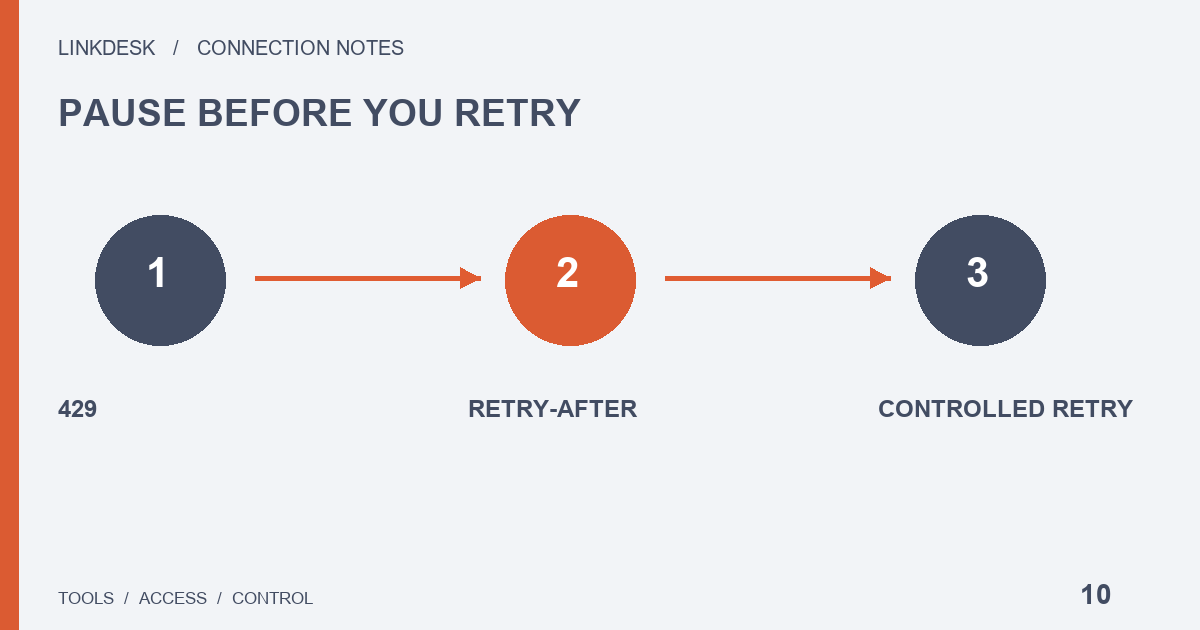
A 429 response signals a rate limit. Preserve the waiting information, pause related retries and coordinate other jobs sharing the outbound connection.
Should I press refresh again?
No. A stalled synchronization invites repeated clicks, but once you know a 429 came back, stop pressing refresh and pause the tool’s automatic retries as well. Note when it happened and whether the response carried Retry-After.
You do not have to work out the exchange’s current threshold. If a managed tool only shows a spinner, ask its provider two things: have the requests actually stopped, and what condition will allow the next attempt?
What is the response telling me?
The Binance REST reference describes Retry-After on 429 and 418 responses as a wait in seconds. Read it from the response you just received each time; yesterday’s value and tutorial examples belong to other requests. If the interface hides it, ask the maintainer for a redacted status and keep retries paused until you have one.
This guide covers connection and read tasks; automatic replay of trading requests is outside its scope. Log the HTTP status and the API error category separately, then take the first move from the matching row:
| What came back | First move |
|---|---|
| 429, with or without Retry-After | Pause related jobs; use the stated wait when it is present |
| 418 with Retry-After | Stop every loop and review the shared workload — continuing violations can escalate to an IP ban |
| Timing error, invalid signature, missing read permission | Correct that configuration; waiting will not fix it |
| Network interruption or server error | A separate category: check connectivity or seek support |
Why would a light user hit a limit?
Usually because the capacity is shared. A cloud service can send many users’ requests and its own background jobs through one outbound address, so your occasional refresh may land while other jobs are busy. Some REST capacity is measured by IP, so a new key leaves the shared load where it was. Ask the operator which limiter was reached and which job group consumes the budget.
List the hidden triggers too: page loads, manual refreshes, scheduled reads, imports and health checks. A health check can keep consuming capacity while the dashboard looks idle.
Then ask the maintainer to check, with a simulated response, whether a newly opened tab restarts the same work while the backend waits.
Who should do the retrying?
One component. What follows is our implementation proposal, so validate it in your own system. A browser, service, queue and network library may each retry independently, and a few attempts at every layer add up to heavy duplication. Pick the component that owns the next attempt, decide how the other layers learn about the pause, and set attempt limits and stop conditions.
Schedule the first historical import apart from daily refreshes. Queue the import in controlled segments; let daily refreshes request only new ranges and reuse results that are still valid, so the two jobs never share one polling schedule. Budget each endpoint by its cost. An import that saves no progress position restarts from its earliest date after every failure, so save the last successful position and resume from it.
How do I bring jobs back?
- After the waiting condition is satisfied, make one controlled necessary read to inspect the state.
- Restore the other jobs gradually, with staggered start times.
- Watch data age, queue size and rate-limit categories.
- If the same limit returns immediately, stop the loop, recalculate the shared budget and change the workload; leave keys and addresses as they are.
Collect evidence without adding load. As a user, note the last success, the first failure, how many times you refreshed by hand, whether a historical import was running and whether other pages in the tool stopped updating.
Maintainers keep a redacted log of wait start and end, job identifiers, endpoint categories and recovery decisions, then use it to adjust the scheduling rule and the message users see.
Test how your application behaves with a simulated response in a controlled local environment, and leave the real platform limit alone. A simulation shows how your code handles the condition; a real incident log shows what the platform returned at the time. Keep the two in separate records.
Cutting what the tool requests? Check the permissions it needs ↗