Record a non-sensitive error code and time, then investigate its category. One code can have more than one cause.
-2015 is not only a wrong key
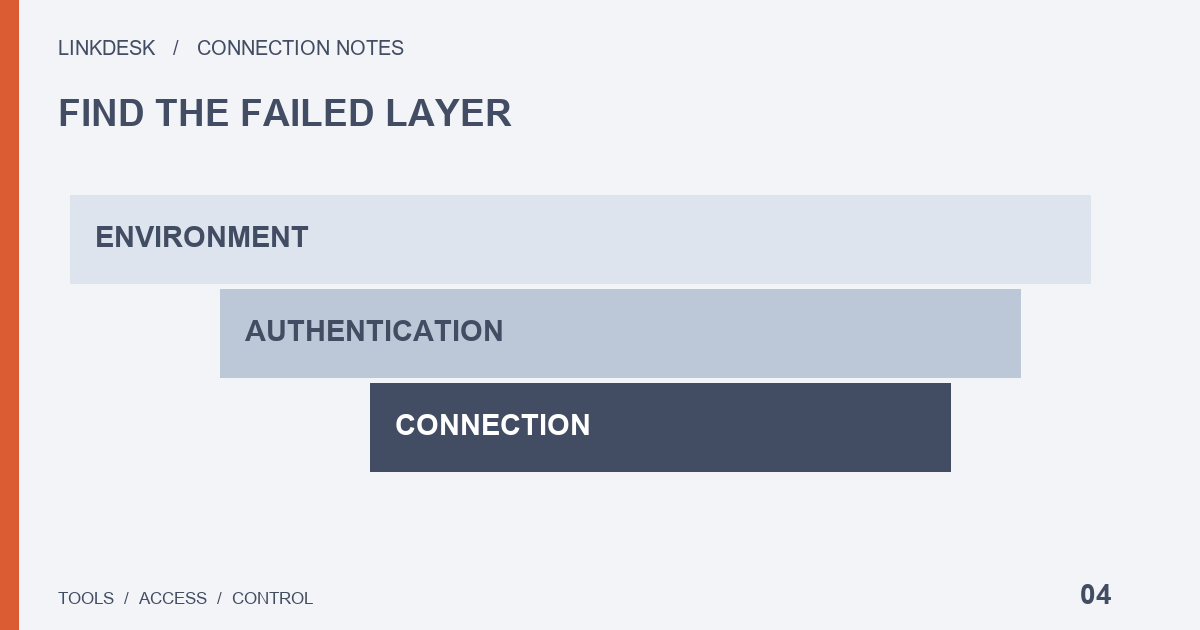
The official definition covers API key, IP or action permissions. Check the account and environment first, then key validity, the tool’s actual outbound IP and the permission needed for that operation. If a tool only reports “connection failed,” ask its support team for a redacted error category.
-1021 and -1022: time versus signature
-1021 points to request timestamp acceptance issues. Check the clock on the server running the tool, not merely your browser’s displayed time. -1022 means the signature is invalid: the maintainer should review the algorithm, matching credentials and parameter encoding. Do not paste fully signed requests into public tickets. Neither code is a permission problem, so widening what the key is allowed to do will not clear it.
429: stop retrying and review frequency
HTTP 429 signals rate limiting. Respect Retry-After, reduce polling and coordinate other programs sharing the outbound IP. Switching keys is not a reliable answer to IP-based limits. Repeated violations can lead to an IP ban.
What to give support
Provide the code, UTC time, tool version, intended function, test-versus-production environment and redacted reproduction steps. Remove keys, signatures, account identifiers and private financial records. Our error selector suggests checks; it does not investigate your actual requests.
Locate the failure before changing access
A page that will not open, a tool that cannot send a request and a rejected platform request are different observations. Identify the last completed step: login, saving settings, beginning synchronization or receiving a response. If the provider supplies only an internal number, ask which layer and function it describes.
Keep a timeline of the last known working check, recent changes and the first observed failure. Mark the time zone. A server move is a useful lead, not proof of the cause. Describe whether the issue is constant or limited to one feature rather than calling the entire account broken.
Put each investigation with the right owner
Similar key labels and leftover configurations make it easy to edit the wrong object, so name the exact connection that failed before touching anything. For a hosted tool, the provider may control the machine that creates requests; changing your phone’s time does not establish that its server clock changed.
A non-developer can confirm the documented connection method and provide redacted steps. Signature implementation belongs with the software maintainer. Do not run a stranger’s diagnostic script or reveal credentials merely to make a report more detailed.
Make the report useful without reproducing the account
The field list above covers what to include; leaks usually happen in what travels with it. A screenshot can show the browser address bar with a full signed query string, an exported log file can be named after the account email, and a pasted configuration block can carry a key label next to its secret. Crop or retype those parts rather than forwarding the raw capture, and check the attachment, not just the message body.
For a 429, one detail is worth adding that the other fields do not capture: whether the tool retries on its own, and which other jobs send requests from the same outbound IP. That tells support whether the limit comes from your tool or from its neighbours. Retry design itself is covered in the rate-limit guide.
Know when to stop and what recovery proves
Pause changes if the active connection is unclear, no useful error is available or a proposed fix asks for unexplained access. If credentials may be exposed, prioritize affected access and official guidance rather than preserving them for reproduction.
After a successful check, record the exact change and verified scope. One read operation is not evidence that every task has recovered. Remove unnecessary diagnostic material and revisit temporary configuration changes. A provider’s release note may explain a fix, but your own environment still needs an appropriately scoped check. Unverified areas can remain explicitly unresolved.