For -1021, investigate timestamp acceptance. For -1022, investigate signing inputs and matching credentials. Broader account permissions do not replace either diagnosis.
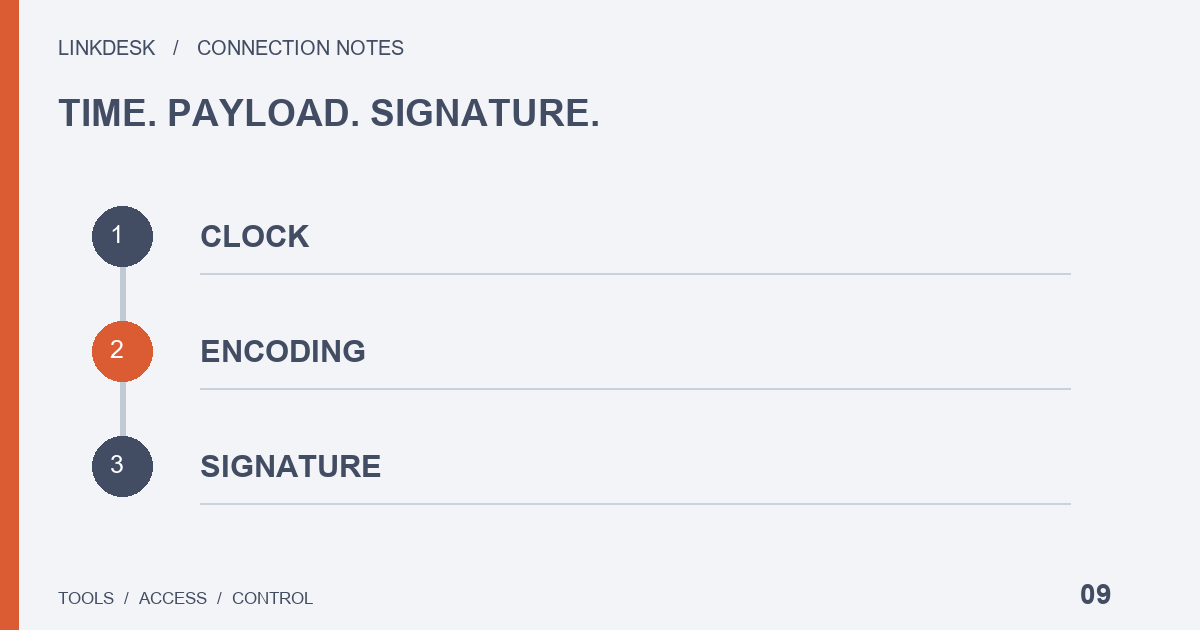
Start with the code, not the banner
A generic connection-failed banner can hide several different errors. Get the non-sensitive code, the occurrence time, the application version and the function you were using. A managed provider should supply a redacted upstream category before asking you to change account settings.
Keep the timezone in your notes. Subtracting a local display time from an unrelated server timestamp can manufacture a discrepancy that was never there.
-1021: the timestamp was not accepted
Which machine wrote the timestamp?
Your laptop clock can be correct while the cloud worker’s clock is wrong. Identify the machine that generates the request timestamp and have its maintainer inspect time synchronization there.
When was it written?
Treat job creation, parameter generation, signing, queue entry, actual transmission and response arrival as distinct events. A request built when a job enters a queue can already be old when it is sent, and correcting the system clock will not fix that design. A long wait in the interface may also happen before the request exists at all — a different case that needs a different investigation.
recvWindow is not a cure-all
The REST reference defines recvWindow in milliseconds, with a default of 5000 and maximum of 60000. It controls how long a request stays valid, not every form of network failure, and a larger value does not cure a clock running ahead of the server. Review units and observed latency before changing it. A large number copied from an old example into every configuration only conceals the real timing problem.
-1022: the signature was rejected
Compare two pairs, in this order.
The bytes you signed and the bytes you sent
Treat the signed parameters and the transmitted parameters as separate objects. Encoding, whitespace, line breaks or later concatenation can change the bytes between those two points. You do not need to paste a real request into an online signature calculator: ask the maintainer for a minimal reproduction with invented data in a controlled environment, checked against current official examples.
The identifier and its key
After a key change, verify that the identifier still matches its intended secret or private key. Similar filenames, stale environment variables and an unreloaded process are places to look, not established diagnoses. Selecting a different algorithm name cannot substitute for its implementation, and a provider lacking support for the chosen key type does not gain it when you enable additional account permissions. Also confirm where configuration comes from: editing a visible file does nothing if the process reads a different source with higher priority.
When the error changes after a fix
Suppose a read first returns a timing error, then a signature error once the clock is corrected. The new code is evidence and does not automatically invalidate the first fix. Change one thing per attempt — not the network, key and permission set together — record each change and response, and confirm the application made a fresh attempt rather than redisplaying its last cached failure.
To close the case, make a fresh read and check that the new data carries a reasonable time label. Where practical, recheck the original trigger: a failure after sleep recovery calls for examining that recovery path. One success does not cover every operating condition, and repeated high-frequency probes add load without adding much certainty. Record a verifiable implementation or configuration cause rather than a vague claim that the exchange is unreliable.
What to send support
| Include | Leave out |
|---|---|
| The function, environment and application version | Secrets and private keys |
| The UTC time range, the error code and recent upgrades | Complete signatures |
| The algorithm name and timestamp unit, described in words | Account response bodies |
If support asks for deeper logs, agree first on the fields needed, the redaction method, a private transfer channel and what happens to the material after the investigation ends. For managed tools, finding the cause is the provider’s responsibility: ask for evidence and an explanation rather than repeatedly changing account permissions you cannot connect to the observed failure.