Read-only access limits actions, not every privacy consequence. Revocation stops future authorized access through that credential; existing copies require a separate retention and deletion review.
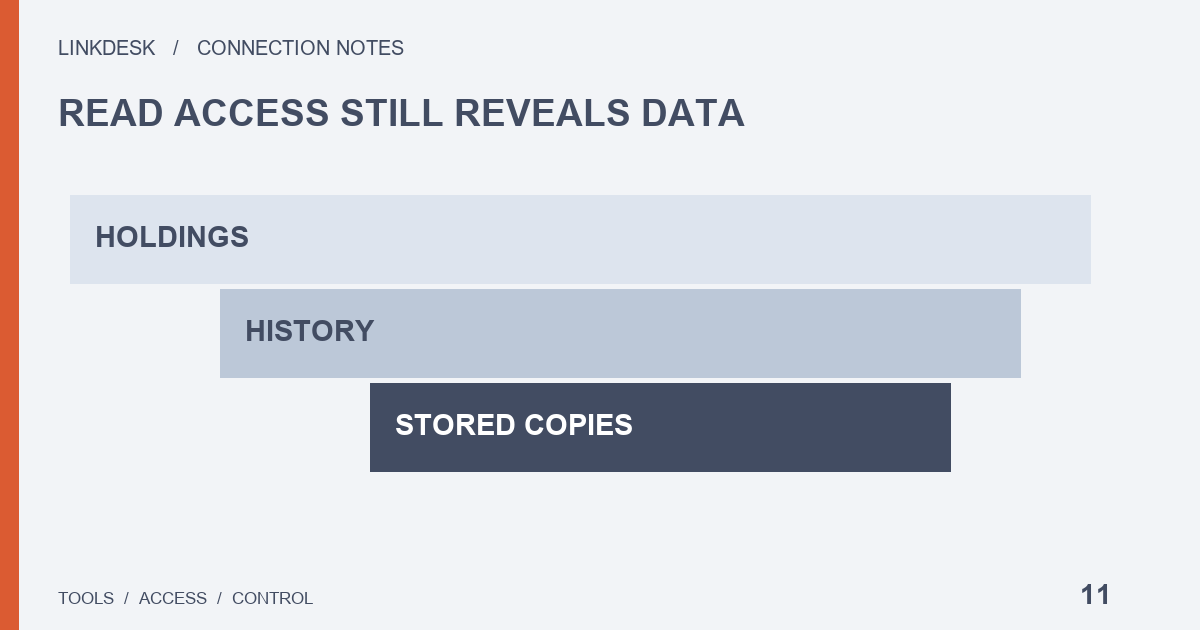
Read-only limits actions, not copies
API permission information describes what a credential may access; the provider’s data practices describe what happens afterwards. Binance documents a permission-inspection endpoint, but ordinary users need not hand credentials to another website to inspect them. Review the official account settings, then the provider’s stated fields, purposes and retention periods. A read-only badge cannot answer those questions.
Start from the screen you need. A simple allocation screen may need asset names and balances; a historical chart may also require snapshots or past records. Ask which fields support each feature — “analytics” is not an explanation for unlimited collection — and leave unnecessary features disabled, which reduces ongoing synchronization and makes the eventual exit easier to understand.
Where copies can appear
Here is a hypothetical path, offered as a question list rather than a claim that every provider works the same way:
- An exchange response reaches the tool’s server.
- A database stores a snapshot.
- A browser draws a chart.
- You export a file — or a scheduled email, share link or automatic export sends one onward.
Ask at each step whether a copy stays behind. A local-processing claim should explain which requests leave the device and what persists after browser data is cleared.
Sharing features need their own look. Stopping new synchronization may leave a final snapshot reachable through an old share link, and a notification can disclose amounts on a lock screen even when the dashboard is closed; if you only need status, check whether amount-free notifications are available. Your own downloads, email attachments and cloud backups are copies you control, and no provider’s deletion process reaches them.
Sending support only what it needs
Support commonly needs the affected feature, page and time, not your entire portfolio. Remove unrelated balances, account identifiers and email addresses from screenshots, and inspect logs for credentials, signatures and full private responses. A year of account history is rarely a sensible first attachment. If an export is requested, agree on the smallest necessary range and fields, an official private channel and how the attachment will be handled.
Leaving: three actions that do not replace each other
Stop synchronization — cancels the tool’s planned new work.
Revoke the credential — ends its subsequent authorization.
Request deletion — addresses copies the provider already holds.
Removing an app does not establish that cloud caches disappeared. An ordinary departure can track all three, while suspected credential exposure calls for revocation first rather than delaying to finish an export.
For the deletion request, identify the connection, the data categories and the features you want closed, and decide whether you need your own export first. Ask the provider to explain the deletion scope, retained categories and reasons, the handling process and the confirmation channel. Do not assume every backup disappears physically at once; a missing page is not proof that all copies were handled, and applicable rights and limitations depend on the relevant rules and terms.
Send it to whoever holds the data. Binance’s privacy portal explains requests relating to its own processing and retention limitations; it does not automatically delete an independent dashboard’s database. Ending a dashboard connection normally does not require closing the whole exchange account, and account closure does not prove that a separate tool has no historical copies left.
The exit record: no balances needed
- The synchronization stop time.
- The revoked label.
- The deletion request reference and the scope of the response.
- Scheduled emails, shared dashboards and automatic exports, checked and switched off.
- Whether old cached data is still presented as live.
- The location, access and purpose of local files you keep.
None of this needs balances or detailed history. It documents when and how the relationship ended.