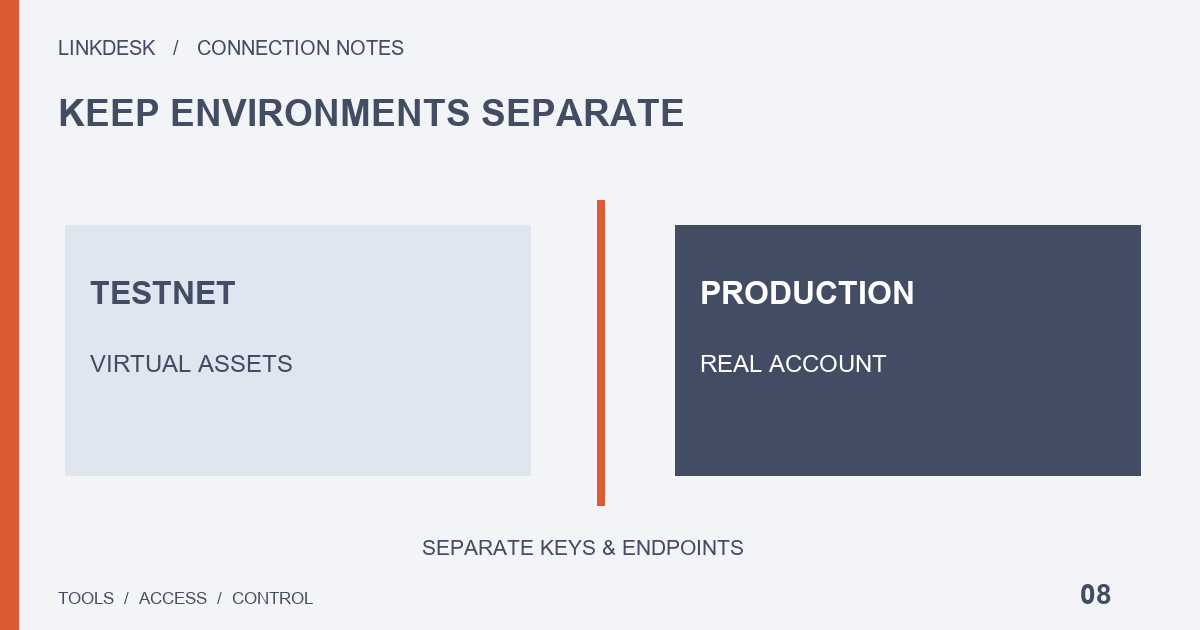
Spot Testnet assets are test data. A successful test does not establish that your production account is connected, and real deposits are not a repair step.
A green test badge answers a narrow question
A program parsing a response, a credential passing authentication and a dashboard showing your real assets are three different outcomes. A test connection can only speak to the first two, and only against test data. Write the target down in plain words — “the test connection reads test balances and labels them simulated” — and that outcome still does not establish production access.
The official Spot Testnet guide describes virtual assets and periodic resets. A test balance is not a mirror of your production holdings or a withdrawable reward, so keep it out of personal wealth summaries and performance claims. If an amount changes unexpectedly, check the test configuration and reset status first.
Four settings that must point to the same environment
A visible mode switch may not control every background worker or cached dataset. Review these four settings as one set and check the implementation instead of guessing:
| Setting | What to confirm | Typical mix-up |
|---|---|---|
| API base address | Which environment the requests actually reach | The label changes while a background worker keeps the old address |
| Credential environment | The key belongs to the same environment as the address | A test key saved in a production connection, or the reverse |
| Application mode | Which components change when the mode switches | “Test mode” that is purely local, or one that still reads production data while suppressing actions |
| Storage destination | Where simulated records are written | Cached test data shown next to real synchronization |
For your own application, use unmistakable configuration names. For a managed tool, similar labels do not establish the same privacy boundary: ask which service receives requests, whether personal data is read and where simulated records go. Until the provider explains these points, leave the environment classification open rather than promising complete isolation.
Checking the test connection without a trade
A live transaction is unnecessary evidence here. The check covers identification, authentication, reading and presentation:
- Run one supported read using the test configuration.
- Record the environment label, the response time and the dataset displayed.
- Restart the tool and confirm the labels stay consistent.
- If the tool supports separate saved connections, give the test one a name nobody could mistake.
An empty screen after a reset can look like missing assets. A dashboard you maintain can mark test data as refreshed or reset and keep the last successful read time; ask a managed provider how it handles the same situation. Do not send real assets to repair a test display. Mark reproduction notes as test-environment material and keep real balances and credentials out of them, even though the test request itself involves no real funds.
Moving to production is a separate check
Stop the test job before production data reaches the same dashboard. Then recheck the account entity, service availability, credential type, minimum read scope and actual outbound address, and do not copy over broad permissions you enabled during testing for convenience. Compare the first production result with the official account interface at approximately the same time, recording the data age and which account scope was read. If several data sources already share one dashboard, inventory them first: test reads, manual imports and real synchronization should remain distinguishable.
Labels also have to survive outside the app. A test label on screen may disappear from an export or a cropped screenshot, and a spreadsheet detached from its page can pass for a real statement weeks later. Before sharing a demonstration, check that the file still states its source, creation time and simulated nature. Use invented account labels and share the configuration structure, not working credentials.
A fast test response does not promise production performance, and complete test data does not cover every production account product. Record only what you actually checked, and open a new verification entry when you add an account type or feature.
Setting up the production read? Check the permissions it needs ↗