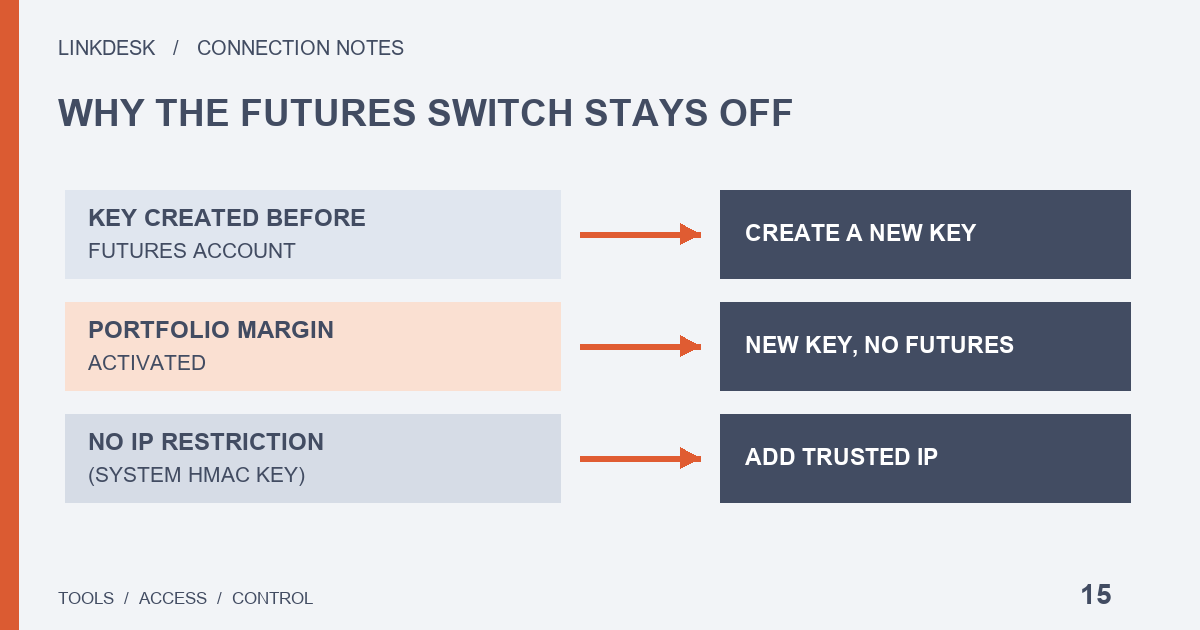
Binance’s Help Center gives two reasons [Enable Futures] can’t be switched on: the key was created before the futures account, or the account has activated Portfolio Margin. Neither can be undone on the existing key, so the fix is a new one. If everything except reading is greyed out, that is a different problem: a system-generated key without an IP restriction.
Why can’t I enable futures on my Binance API key? Three patterns to tell apart
The pattern looks like this: a futures grid tool is handed an API key that already existed. It connects, it shows balances, and then the first futures order fails. Back in API Management, the [Enable Futures] box won’t take a click. Before trying every switch on the page, look at what exactly is blocked, because the three causes look different:
- Only [Enable Futures] is unavailable, while spot trading can still be ticked. The key was most likely created before your futures account existed, or the account has had Portfolio Margin switched on.
- Nothing except reading can be ticked. Check whether the key has an IP access restriction.
- The box used to be ticked and now it isn’t. Think back to whether Portfolio Margin was ever activated: that is the case where the Help Center says the permission is removed automatically.
The tool itself rarely sees any of this. When a futures request is rejected, its log usually shows a single -2015, which the docs describe as “Invalid API-key, IP, or permissions for action”. A wrong IP or a mistyped key produces exactly the same code. The full error triage lives in the API connection errors guide; this page stays on the permission layer.
API key created before the futures account: the old key can’t gain futures access
The FAQ at the bottom of Binance’s “How to Create API Keys on Binance?” page answers this directly, under the question “Why can’t my API key enable Futures permission?”: “If the API key is created before you enable your Futures account, or you have activated Portfolio Margin, the API key won’t be able to enable Futures permission.”
The first half covers a very ordinary sequence. You made a key months ago for a read-only dashboard, opened a futures account later, and now want that same key to place futures orders. The rule leaves no way to upgrade such a key. Confirm the futures account is open, create a new key, and [Enable Futures] will be among the options.
The same page also lists what must be in place before any key can be created: two-factor authentication, a deposit of any amount to the Spot Wallet to activate the account, and identity verification. If a brand-new account is stuck at the key-creation step, futures is not the reason.
Holding several keys and not sure which one predates the futures account? Ask whoever maintains the tool to call the “Get API Key Permission” endpoint from the developer docs (GET /sapi/v1/account/apiRestrictions). The response includes createTime and enableFutures, so the creation time can be compared with when futures was opened. The endpoint is signed, which means it has to be called with the key itself. Run it on your own machine or inside the tool; there is no reason to hand the key to anyone so they can check it for you.
After Portfolio Margin is activated, Enable Futures disappears from every existing key
The second half of that answer is about Portfolio Margin, and Binance’s “Binance Portfolio Margin API” page spells it out more fully. Once Portfolio Margin is enabled, [Enable Futures] is automatically removed from all existing API keys. Closing the Portfolio Margin account later does not bring it back: you won’t be able to modify [Enable Futures] for any previous key. [Enable Portfolio Margin Trading] follows the same rule, and the page describes the loss of [Enable Futures] as permanent and irreversible.
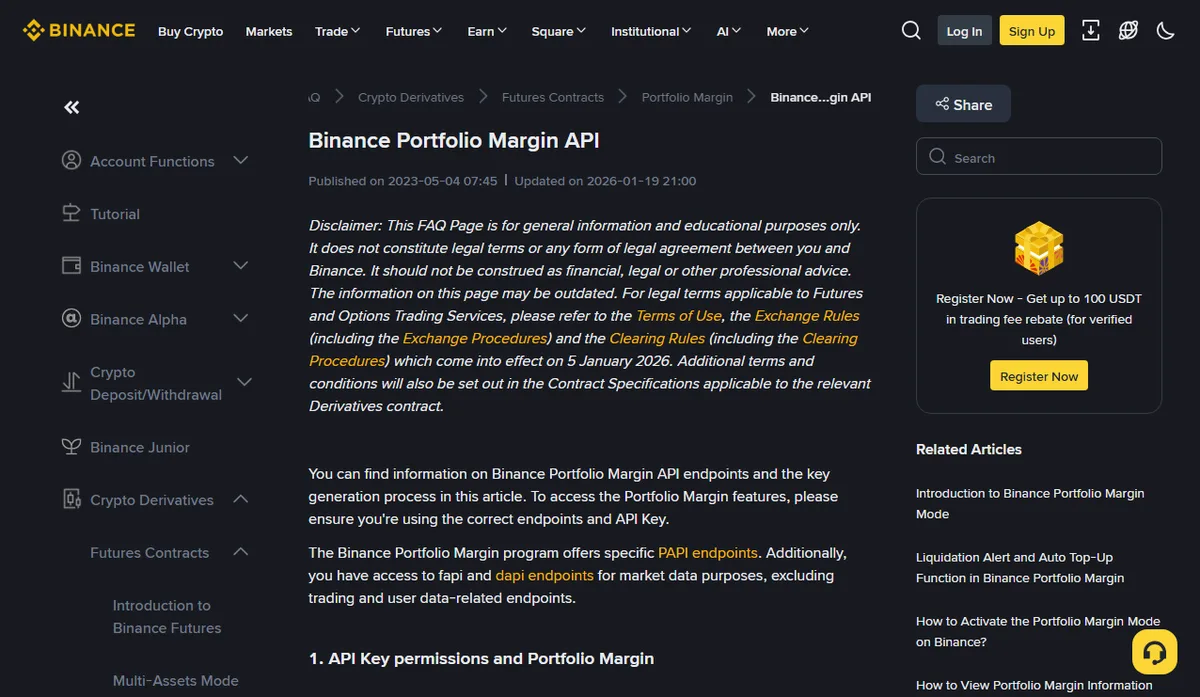
For a connected tool, the switch is only half the story. The same page says Portfolio Margin has its own PAPI endpoints, and that the fapi and dapi futures endpoints stay available for market data only, excluding trading and user data. So once Portfolio Margin is on, a fresh key is not the whole fix. Ask the tool’s developers which endpoints it uses to place orders. A tool that only speaks fapi or dapi will not trade under Portfolio Margin however many keys you create.
Binance’s “How to Activate the Portfolio Margin Mode on Binance?” page adds a recommendation: recreate your API keys after enabling or disabling Portfolio Margin mode to avoid losing API access. If you are only considering Portfolio Margin, list the tools connected to the account first. Knowing in advance which ones will break is much easier than finding out from a failed order.
Every switch except reading is greyed out: the key has no IP restriction
This one is not specific to futures. The first question in the same FAQ is “Why can’t I enable any permission other than reading?” Binance’s answer: unrestricted-IP-access HMAC keys won’t have any permission other than reading. To unlock the others, the English page lists three routes: add an IP access restriction in IPv4 format, use a self-generated key such as Ed25519 or RSA, or disable the default security controls. Withdrawal is stricter still, because an IPv4 restriction is mandatory before it can be enabled.
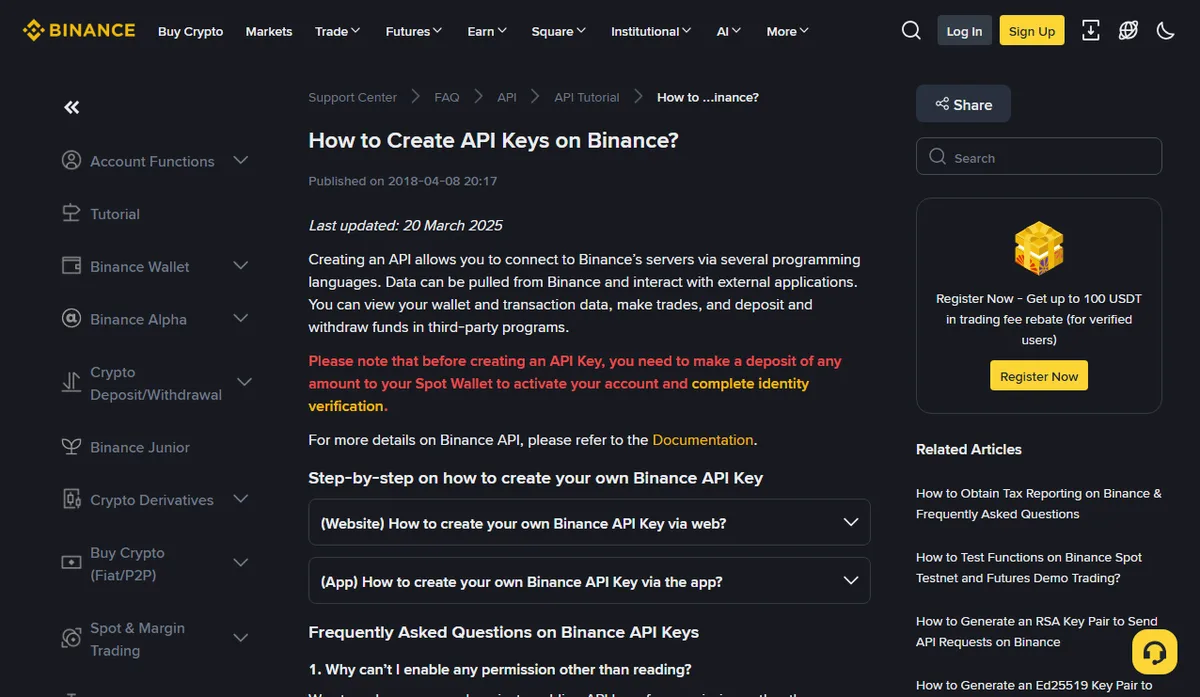
HMAC keys are the system-generated kind, where Binance gives you both the API key and the secret. With Ed25519 or RSA you generate the key pair yourself and only hand Binance the public key. Switching type is only an option if the tool supports it, which the key types guide covers. Turning off the default security controls removes a safeguard rather than fixing the connection; for a tool that will hold trading access, an IP restriction is the route that keeps it.
The IP to enter is the outbound address of whatever machine actually sends the requests. For a cloud tool, that means a fixed egress address published by the provider. Get it wrong and the switches unlock, yet every request is still refused. Finding that address, and what to do when it changes, is laid out in the IP allowlist guide.
Before you create the new key, ask the tool which switches it needs
Two of the three causes end with a new key, and that moment is the best chance you will get to narrow its permissions. The “Get API Key Permission” response lists fields that map onto the switches in API Management, which makes it a handy checklist to go through with the tool’s provider:
- enableReading: reading. Almost every tool needs it.
- enableSpotAndMarginTrading: spot and margin trading. A tool that only trades futures may not need it at all.
- enableFutures: USDⓈ-M and COIN-M futures orders. Not the relevant switch under Portfolio Margin.
- enablePortfolioMarginTrading: Portfolio Margin trading. Meaningful only if the tool talks to PAPI.
- enableMargin: margin borrowing, repayment and transfers, a separate switch from spot and margin trading.
- permitsUniversalTransfer: universal transfer. Only relevant if the tool says it moves funds between spot and futures on its own.
- enableWithdrawals: withdrawals. A trading tool has no business asking for this.
Anything on the tool’s list that doesn’t match the job is worth a question. A tool that only runs USDⓈ-M futures but also asks for margin borrowing and universal transfer should be able to name the endpoint that needs each one. If it can’t, leave that switch off. Adding a permission later in response to a specific error is far easier to unwind than starting with everything on. For the wider read / trade / withdraw comparison, see the permissions guide.
One more field from the same response is easy to overlook: ipRestrict, which says whether the key is bound to IP addresses. Once the new key exists, have the maintainer run the call and confirm ipRestrict is true and enableWithdrawals is false before the tool starts working.
Swapping in the new key: what happens to the old one
An old key that can’t do futures is not automatically harmless. It may still carry reading or spot trading rights, and another dashboard may still be using it. A changeover that leaves nothing loose looks like this:
- Create the new key with only the switches the tool confirmed, and bind it to the right IP.
- Replace the key inside the tool. Check that reading works first, then confirm a small futures call goes through.
- Make sure nothing else still relies on the old key, then delete it.
Don’t stop after step 2. A key that is merely “not used any more” is a key nobody is watching. Planned rotation and a suspected leak call for different orders of work; the key rotation guide walks through both.
Putting a futures tool in its own sub-account
A misbehaving futures tool can do more damage than a spot one, so it can make sense to fence it off in a sub-account. How sub-account keys are created, what the master account can change and how to wind one down are covered in the sub-account API keys guide.
Watch the order of operations. The Help Center sentence about keys created before the futures account does not distinguish master accounts from sub-accounts. What follows is our reading, not Binance’s wording: before creating a key for a sub-account, make sure that sub-account’s own futures account is already open, or you may end up with yet another key that can’t enable futures.
To match a use case to the permissions it needs before opening API Management, run it through the permission check.